
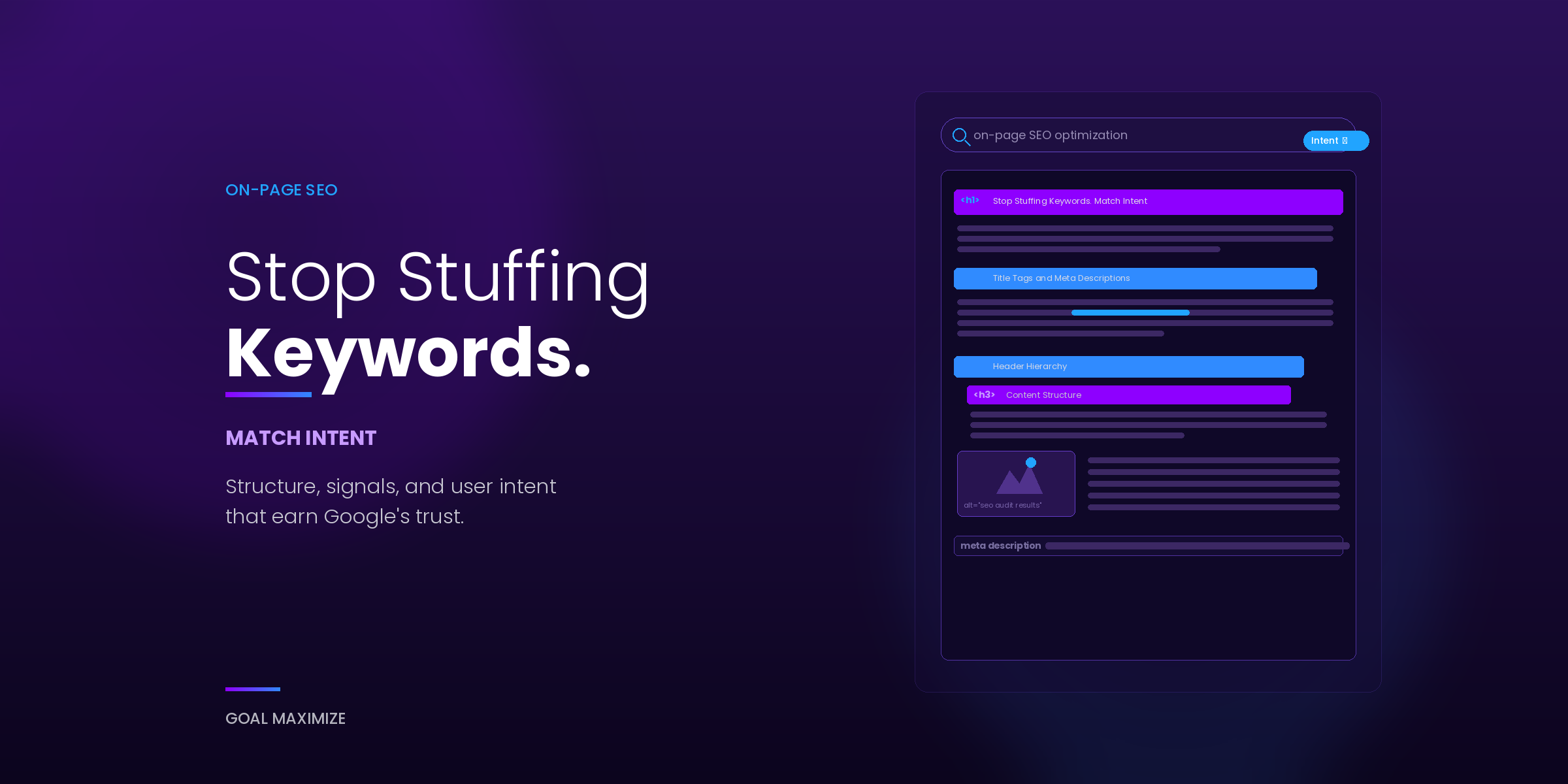
Most businesses treat on-page SEO optimization like a checklist: keyword in the title, keyword in the first paragraph, keyword in a few subheadings, publish. Then the page sits on page 3 for months, and nobody can figure out why.
We see this pattern constantly across the sites our team audits. The keywords are there. The content exists. But the page doesn’t answer what the searcher actually needs, and Google can tell. Search has moved past matching strings of text. Google reads structure, context, and whether your page satisfies the question behind a query. If your keyword research is solid but your on-page execution is weak, you’re leaving rankings on the table.
This post covers the execution side of on-page SEO: title tags, meta descriptions, header hierarchy, image optimization, internal linking, and content structure that earns featured snippets.
What On-Page SEO Optimization Actually Means in 2026
On-page SEO optimization is everything you control on the page itself to help search engines understand what the page covers and whether it deserves to rank. That includes HTML elements (title tags, meta descriptions, header tags, image alt text, schema markup), content quality and structure, and how well the page matches the intent behind a search query. Google’s own SEO Starter Guide lays out the basics, but the real skill is in how you apply them.
Intent is the piece most teams miss. A page targeting “best CRM for small business” needs to deliver a comparison. If it opens with a 2,000-word definition of what a CRM is, the searcher bounces. A page targeting “how to fix a leaking faucet” needs steps, not a sales pitch for plumbing services. Google’s helpful content system picks up on that mismatch quickly.
Our team evaluates on-page SEO across 5 core areas: title and meta tags, header hierarchy, content structure, image optimization, and internal linking. Getting even 1 of those wrong can hold a page back from rankings it should be earning.
Title Tags and Meta Descriptions: Your First Impression in Search Results
The title tag is still the single most influential on-page ranking factor. It tells Google what the page covers, and it’s the first thing a searcher reads in the results.
Here’s what we see teams get wrong:
Keyword stuffing. A title like “Best CRM Software | CRM Tools | CRM for Small Business | Top CRM” triggers Google to rewrite it entirely. You lose control of your own headline in the SERPs.
Being too generic. “Our Services” or “Blog Post” tells Google nothing useful. Every title should include the primary keyword and a reason to click.
Exceeding 60 characters. Google truncates long titles. Our rule: keep the primary keyword and value proposition within 55 characters, then use the remaining space for branding if needed.
A good title tag reads like a promise. “On-Page SEO Checklist: 7 Fixes That Move Rankings” tells the reader exactly what they’ll get. It works because it’s specific. The reader knows the format, the scope, and the payoff before they click.
Meta descriptions don’t directly affect rankings, but they affect click-through rate, which Google measures. Write them as a 150 to 160 character pitch. Include the primary keyword naturally (Google bolds matching terms in results), and close with a reason to click. If you skip the meta description, Google pulls its own snippet from your page body, and that snippet is rarely what you’d choose.
Header Hierarchy: The Structure Google Actually Reads
Think of headers as a table of contents that never displays. Google uses your H1, H2, and H3 tags to understand the page’s topic coverage and content depth. Readers use them to scan and decide if the page is worth their time.
Rules our team follows on every page:
One H1 per page. It should closely match the title tag and contain the primary keyword. Multiple H1 tags confuse the document hierarchy and dilute your topic signal.
H2 tags mark major sections. Each H2 should cover a distinct subtopic within the page’s main theme. Distribute secondary keywords and related terms across your H2s naturally. Forcing the same keyword into every H2 reads as spam to Google and to humans.
H3 tags break up subsections within an H2. Use them when a section covers multiple related points.
Don’t skip levels. Going from H2 directly to H4 breaks the logical hierarchy. Crawlers interpret this as a structural error.
When we audit enterprise sites, broken header hierarchy is one of the most common technical issues we find. Teams pick H2 or H3 tags for visual styling rather than semantic structure, and Googlebot reads a page that looks fine to humans as disorganised.
Content Structure for Featured Snippets
Featured snippets pull structured content from pages that answer a query directly. If your page targets an informational keyword, structuring your content for snippet eligibility is part of good on-page SEO optimization.
3 formats earn snippets most often:
Paragraph snippets. Google pulls a 40- to 60-word block that directly answers a “what is” or “why does” query. Place a concise, complete answer immediately after the relevant H2. Don’t bury the answer 4 paragraphs deep.
List snippets. Ordered or unordered lists get pulled for “how to,” “best,” and “types of” queries. Use proper HTML list markup. Don’t fake a list with line breaks and dashes.
Table snippets. Comparison queries and data-driven questions trigger table snippets. Use proper HTML table tags with clear column headers.
The principle is simple: answer the question in a self-contained block, then expand with supporting detail below it. Google wants to extract a clean, useful answer. If your page makes that easy, you’re more likely to earn the snippet.
Content built for long-term organic growth needs this kind of structural discipline. We’ve seen pages with strong writing lose snippets to weaker articles that were simply formatted better.
Image Optimization Most Teams Skip
Images affect on-page SEO through page speed, accessibility, and topical relevance. Most teams barely handle the first one and ignore the other two entirely.
File size and format. Large, uncompressed images are the number 1 cause of slow page loads we find in client audits. Use WebP or AVIF for photographs and PNG for graphics with transparency. Compress every image before upload. A slow-loading page costs you rankings and revenue, and images are usually the easiest fix.
Alt text. Alt text tells screen readers what the image shows, and it gives Google additional context about the page’s content. Write descriptive, specific alt text. “Team reviewing SEO audit results on a laptop” is useful. “Image1” or “SEO” isn’t. Include your target keyword in 1 alt tag on the page, but only if it genuinely describes the image.
File names. Rename files before upload. Google reads file names as a relevance signal. “on-page-seo-checklist-example.webp” communicates far more than “IMG_4392.jpg.”
Lazy loading. For pages with multiple images, implement native lazy loading (the loading="lazy" attribute) so images below the fold don’t block the initial page render. This matters especially for mobile-first web design, where bandwidth and processing power are limited.
Internal Linking Patterns That Build Authority
Internal links help Google discover and understand the relationship between your pages. They also distribute ranking authority (PageRank) across your site. A page with zero internal links pointing to it is effectively invisible to crawlers that haven’t found it through your sitemap.
Our approach to internal linking:
Link from high-authority pages to important pages. Your homepage and pillar content carry the most authority. Links from these pages pass more value than links buried in deep archive pages.
Use descriptive anchor text. “Click here” tells Google nothing. “Our guide to ranking higher in Google” tells Google exactly what the target page covers and helps that page rank for related terms.
Link contextually, not decoratively. An internal link should appear where it adds value for the reader. If someone reading a paragraph about content structure would benefit from seeing your pillar guide on the topic, that’s a natural place for a link. Dumping 10 links into a “Related Posts” footer widget isn’t the same thing.
Audit internal links regularly. Broken links, orphan pages (pages with no internal links pointing to them), and redirect chains erode your site’s crawl efficiency. We include internal link audits in every SEO engagement our team runs.
With AI-driven ranking factors shaping how search engines evaluate sites, internal linking carries more weight than it used to. AI systems look at topical authority across your entire domain, not page by page. A strong internal linking structure signals depth in your subject area.
Before and After: What Good On-Page SEO Looks Like
Here is a simplified example from a client page our team optimised last quarter.
Before:
Title tag: “Digital Marketing Services | Company Name” (generic, no keyword targeting)
H1: “Welcome to Our Digital Marketing Services” (matches no search query)
No meta description set. 3 images named “image1.png” with empty alt tags. Zero internal links. 400 words of general company description.
After:
Title tag: “Digital Marketing Services for Mid-Market B2B Companies” (specific keyword, clear audience)
H1: “Digital Marketing Services Built for Mid-Market B2B Growth” (keyword aligned, intent matched)
Meta description with primary keyword and a call to action. Images renamed with descriptive file names and relevant alt text. 4 contextual internal links to related pages. 1,200 words structured with H2 and H3 tags covering scope, process, results, and FAQs.
The result: position 38 to position 7 within 8 weeks. Organic traffic to that page was up 340%. No backlinks built. No paid promotion. The only changes were on-page.
That’s what proper on-page SEO optimization looks like in practice. The page already had decent domain authority. It just needed the right structure and intent match to unlock the rankings it was capable of.
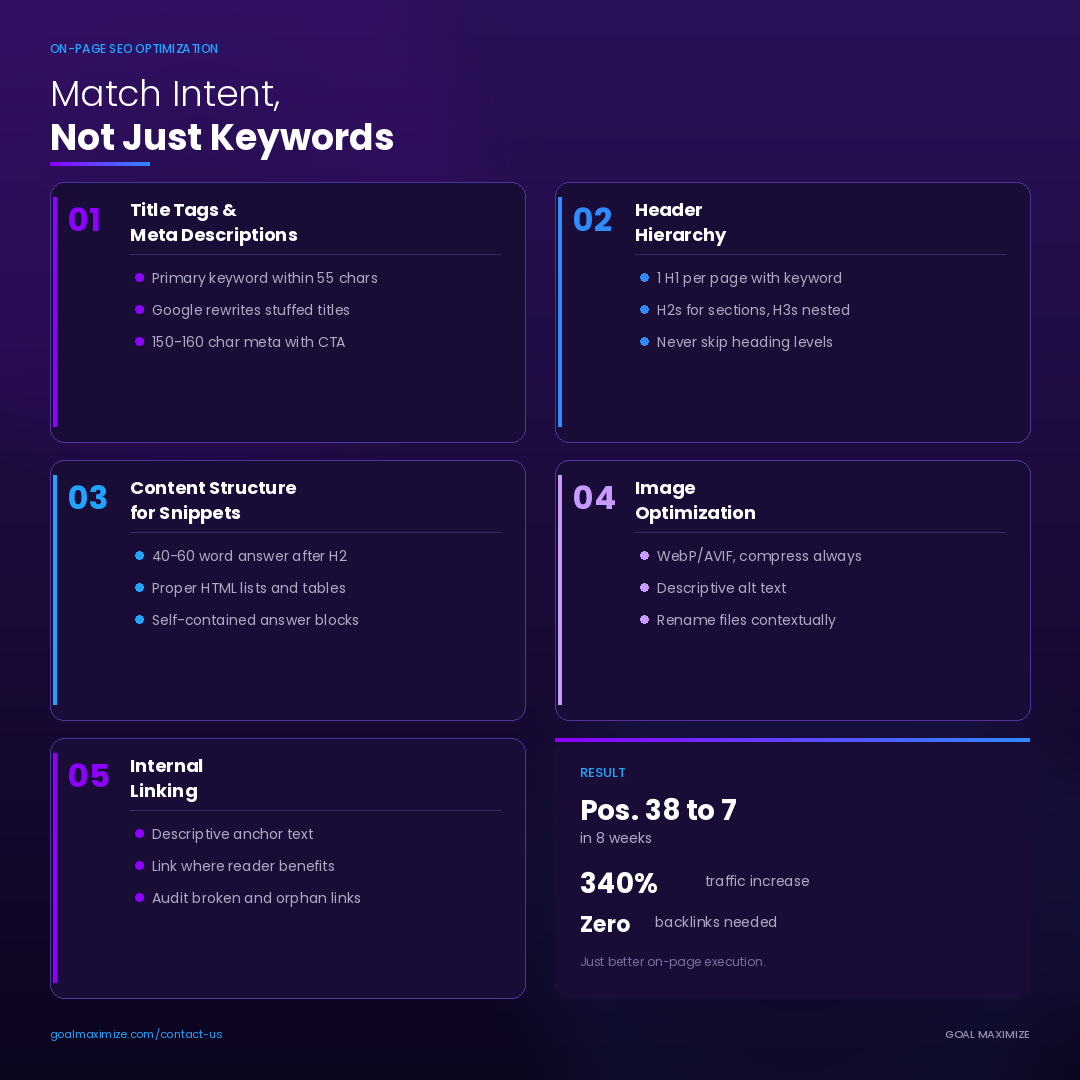
5 on-page SEO factors our team checks on every audit.
Get It Right Once, Rank for Years
On-page SEO optimization isn’t a one-time task you check off and forget. But when the foundation is solid (clean title tags, logical header hierarchy, structured content, optimised images, strategic internal links), your pages compound value over time. Every piece of content that follows the same standards reinforces your site’s authority and makes the next page easier to rank.
If your pages are indexed but stuck outside the top 20, the issue is usually on-page execution. The fixes we’ve covered here are where we start with every client, and they consistently move rankings within 4 to 8 weeks.
Want to know what’s holding your pages back? Request an on-page SEO audit from our team, and we’ll identify the specific fixes your site needs.

**Shalini Thakur** is an SEO Specialist at Goal Maximize with 9+ years of experience in technical SEO, content strategy, and AI-powered search optimization. Specializes in data-driven SEO strategies, website optimization, content development, and adapting websites to the evolving AI-powered search landscape.